 circle
Circle. New Style.
Filters and effects for Telegram video circles
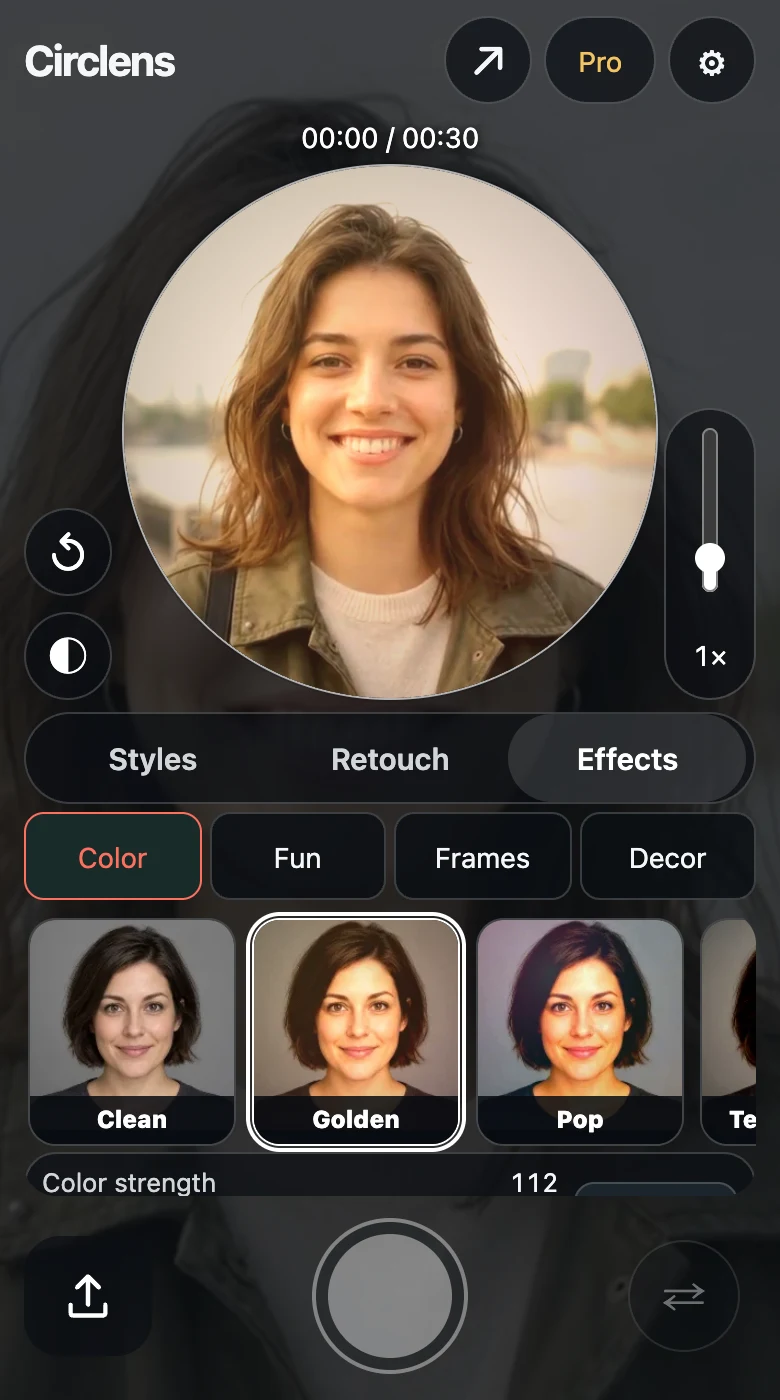
Give your Telegram video notes a warmer colour, a VHS look or a floral frame. Compare real examples, then record or upload your own video and choose your look.
How it works
- Choose Upload and select a video from your gallery. Check the duration and the starting segment included in your plan.
- In Effects, choose a colour filter, VHS in Fun or a frame. Compare with Original to see the difference.
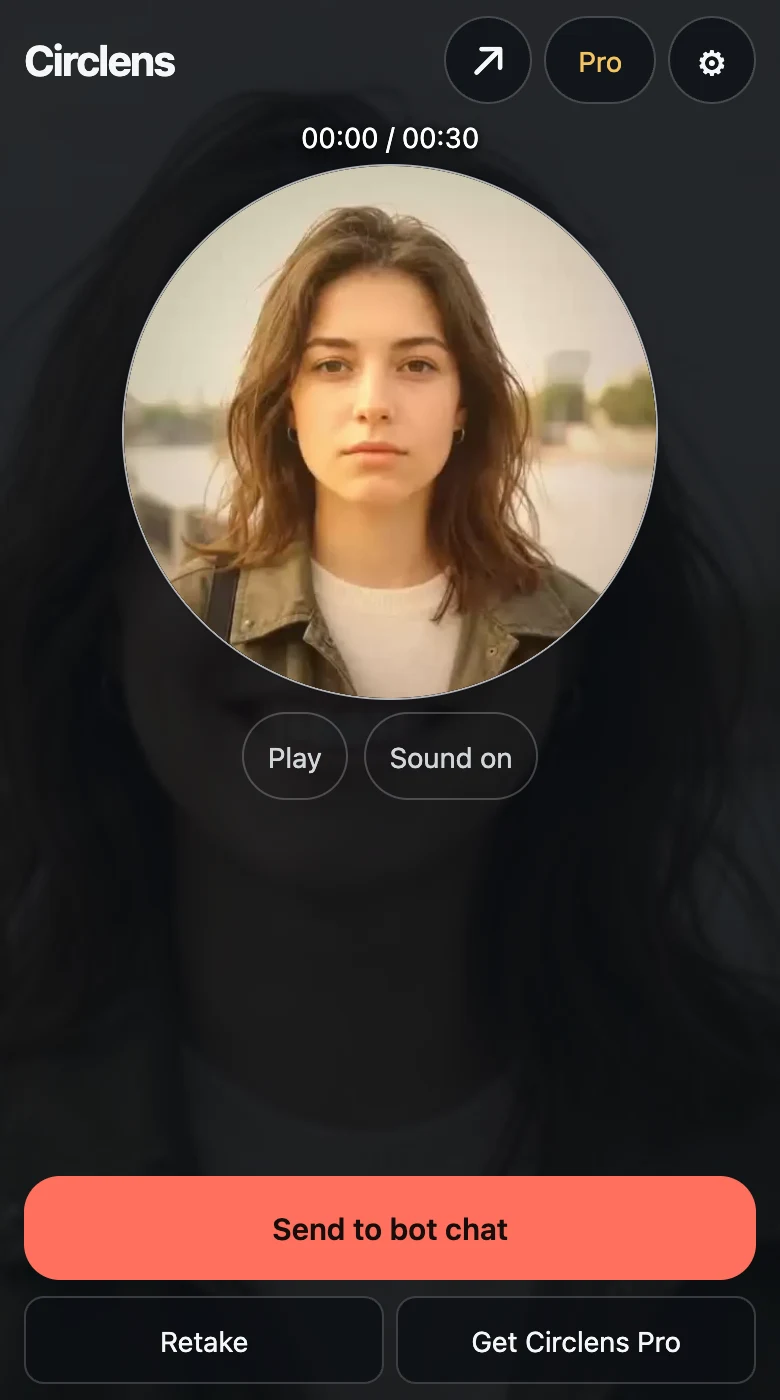
- Create the local preview and play it with sound. Confirm sending to the bot chat or your connected channel only when you are ready.
Screenshots show the English interface with demo data.
Questions
Is retouch free?
Retouch and most effects are free. Selected effects marked Pro and videos up to 60 seconds require Pro. Preview every effect for free. Pro is required only to record or convert with a Pro effect.
Can I add filters to an existing video?
Yes. Choose Upload, select your video, then apply a colour filter, effect or frame before conversion. You can also record with the same tools. Effects marked Pro require Pro to record or convert; the other effects are free.
What is the difference between filters, effects and frames?
Telegram video filters change the colour and tone of your video. Effects such as VHS give it a different visual style, while frames decorate the edges of the circle. Compare each look with Original before sending.
Before you start
Free conversion without a watermark. Up to 30 seconds. Retouch and most effects are free. Selected effects marked Pro and videos up to 60 seconds require Pro.
Your result stays in a local preview until you confirm sending.
Pro ↗